
S3 clients/Backblaze B2
BucketMate

The Backblaze B2 GUI client
for Mac, iPhone & Web

A real file manager for your B2 buckets.

Best forLow-cost backups and media archives behind a CDN

Free plan · One-time Pro · Keys stay on your device
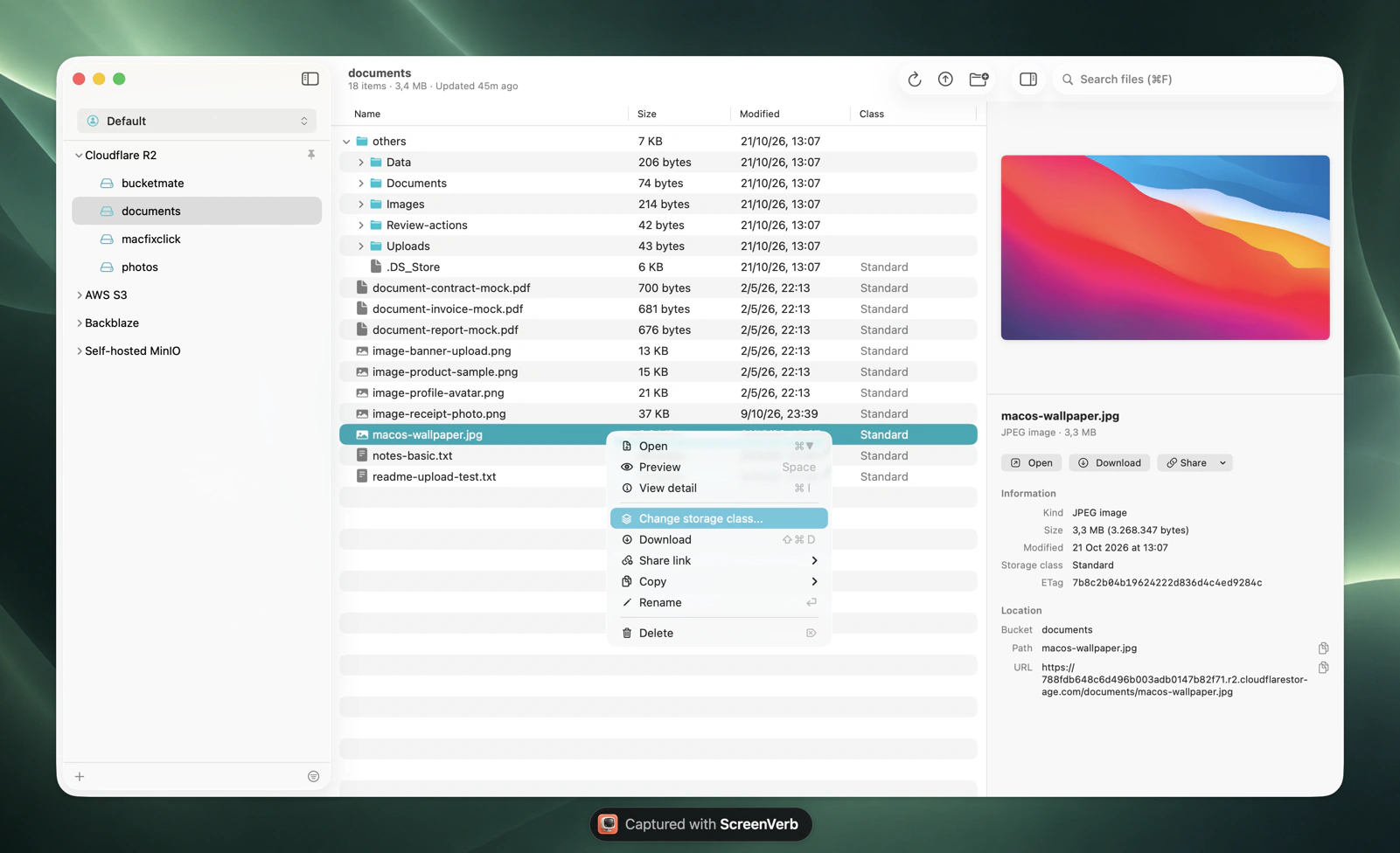
BucketMate S3 client on macOS

Backblaze B2 at a glance.
The numbers that shape your bill.

Storage$6.95/TBper month. First 10 GB free
EgressFreeup to 3x your stored data, then $0.01/GB
API callsFreeClass A, B, and C since May 2026
MinimumsNoneno minimum file size or duration

Checked October 2026. Current Backblaze B2 pricing

The Backblaze B2 console vs BucketMate.
Same files. Less friction.

Upload a big file500 MB cap in the web UILarge files upload in parts
Rename or moveNo rename or moveRename, or drag onto a folder
Download a folderOne file at a timeDownload folders or the whole bucket

Built like a Mac app.
Not a web console.

Rename anythingS3 has no rename. Here it is one click, files and folders.
Move with drag and dropDrop files onto any folder to move them.
Drop in from FinderUpload whole folders by dragging them into the window.
Edit in placeFix a text file and save it back, or open it in your own editor.
Quick LookPress Space to preview images, PDFs, and code.
Share link historyPresigned links you can find and copy again later.

Connected in under a minute.
Three steps. Keys stay on your device.

1Create keys
Backblaze > Application Keys
2Fill in the connection
Endpointhttps://s3.<region>.backblazeb2.com
Regionus-west-004
Access key••••••••••
Secret••••••••••
3Test and connect
Test ConnectionConnected
On iPhone, pick Custom S3-compatible and set a custom region such as us-west-004.Full setup guide

Made for Backblaze B2.
Not just any S3 endpoint.

Versions by default

B2 keeps every version. BucketMate shows versions, recovers deleted files, and cleans up old ones.

Scoped keys

Application keys can be limited to one bucket or prefix. Turn off Load all buckets and type the bucket name.

Free CDN egress

Downloads through Cloudflare, Fastly, or bunny.net are free. Use BucketMate for the files, your CDN for serving.

Backblaze B2 errors, decoded.
What they mean and how to fix them.

InvalidAccessKeyId

The master application key was used. It does not work with the S3 API.

Create a regular application key with access to the bucket.

NoSuchBucket

The endpoint region doesn't match your account's region.

Copy the S3 endpoint shown with the bucket or key.

AccessDenied

The key is limited to another bucket or prefix.

Use a key that covers the bucket, or browse inside its prefix.

Backblaze B2 and every other bucket.
One window.

Backblaze B2 S3 compatibility notes

No object tagsB2 ignores tagging and supports only private and public-read ACLs.
Hidden still countsHidden file versions still count toward storage until deleted.
No browser POST uploadsUse presigned PUT or multipart instead.

Questions?

Open Backblaze B2 like a folder.

Free to start. Pay once if you love it.

Download BucketMate
More providers