
S3 clients/Google Cloud Storage
BucketMate

The Google Cloud Storage GUI client
for Mac, iPhone & Web

GCS buckets next to S3 and R2, in one app.

Best forTeams on Google Cloud that want storage-class control

Free plan · One-time Pro · Keys stay on your device
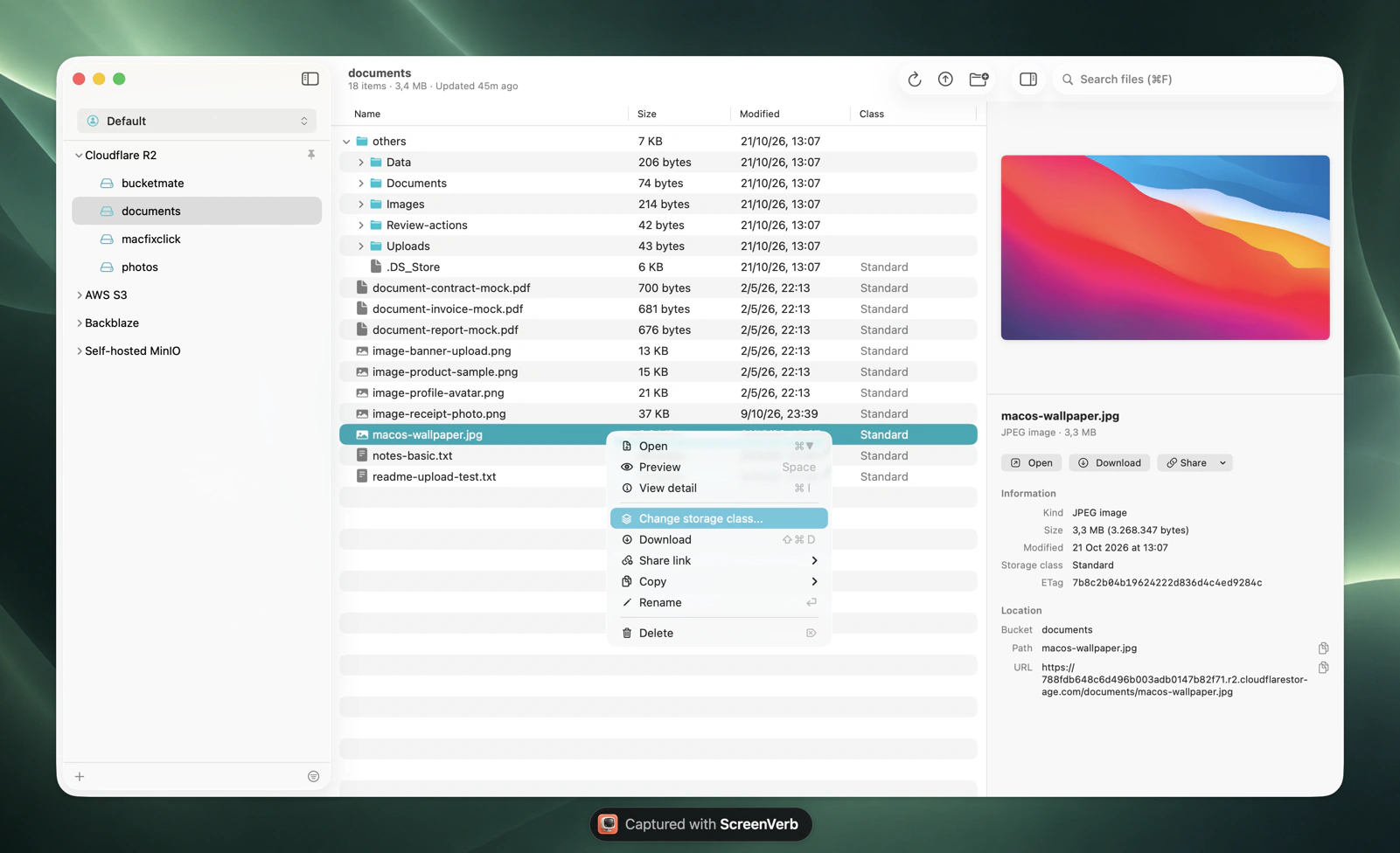
BucketMate S3 client on macOS

Google Cloud Storage at a glance.
The numbers that shape your bill.

Standard$0.020/GBper month in us-central1
Egress$0.12/GBto the internet, first 10 TiB
Always Free5 GBin us-west1, us-central1, us-east1
Cold classes30-365 daysminimums for Nearline to Archive

Checked October 2026. Current Google Cloud Storage pricing

The Google Cloud Storage console vs BucketMate.
Same files. Less friction.

Download a folderOne object at a time. Use gcloudDownload folders or the whole bucket
Rename a folderOnly in hierarchical namespace bucketsRename folders in any bucket
Upload a folderChrome onlyDrag folders in from Finder

Built like a Mac app.
Not a web console.

Rename anythingS3 has no rename. Here it is one click, files and folders.
Move with drag and dropDrop files onto any folder to move them.
Drop in from FinderUpload whole folders by dragging them into the window.
Edit in placeFix a text file and save it back, or open it in your own editor.
Quick LookPress Space to preview images, PDFs, and code.
Share link historyPresigned links you can find and copy again later.

Connected in under a minute.
Three steps. Keys stay on your device.

1Create keys
Cloud Storage > Settings > Interoperability
2Fill in the connection
Endpointhttps://storage.googleapis.com
RegionBucket location
Access key••••••••••
Secret••••••••••
3Test and connect
Test ConnectionConnected
On iPhone, Google Cloud Storage has its own option with the endpoint prefilled.Full setup guide

Made for Google Cloud Storage.
Not just any S3 endpoint.

Storage classes

See and change Standard, Nearline, Coldline, and Archive per file. BucketMate shows the minimum duration first.

Soft delete

GCS keeps deleted objects 7 days by default, and bills for them. Check the bucket's soft delete setting.

HMAC keys

Create HMAC keys for a service account. They're separate from JSON keys and can be revoked any time.

Google Cloud Storage errors, decoded.
What they mean and how to fix them.

SignatureDoesNotMatch

Wrong HMAC secret, or a region other than auto or us-east-1.

Re-copy the secret and keep the endpoint https://storage.googleapis.com.

does not have storage.objects.list access

The service account lacks list permission on the bucket.

Grant a role with storage.objects.list, like Storage Object Viewer.

UserProjectMissing

The bucket is Requester Pays.

Set a default project on the Interoperability tab.

400 on ACL calls

Uniform bucket-level access is on, so ACLs are rejected.

Use IAM, or switch the bucket to fine-grained access.

Google Cloud Storage and every other bucket.
One window.

Google Cloud Storage S3 compatibility notes

HMAC keys onlyService account JSON keys do not work for S3 access.
Org policiesrestrictAuthTypes can block HMAC keys in your organization.
5 MiB partsMultipart parts must be at least 5 MiB.

Questions?

Open Google Cloud Storage like a folder.

Free to start. Pay once if you love it.

Download BucketMate
More providers