
The Tigris GUI client
for Mac, iPhone & Web
Globally distributed buckets, browsed like local folders.
Best forFly.io apps and global workloads that want zero egress feesFree plan · One-time Pro · Keys stay on your device
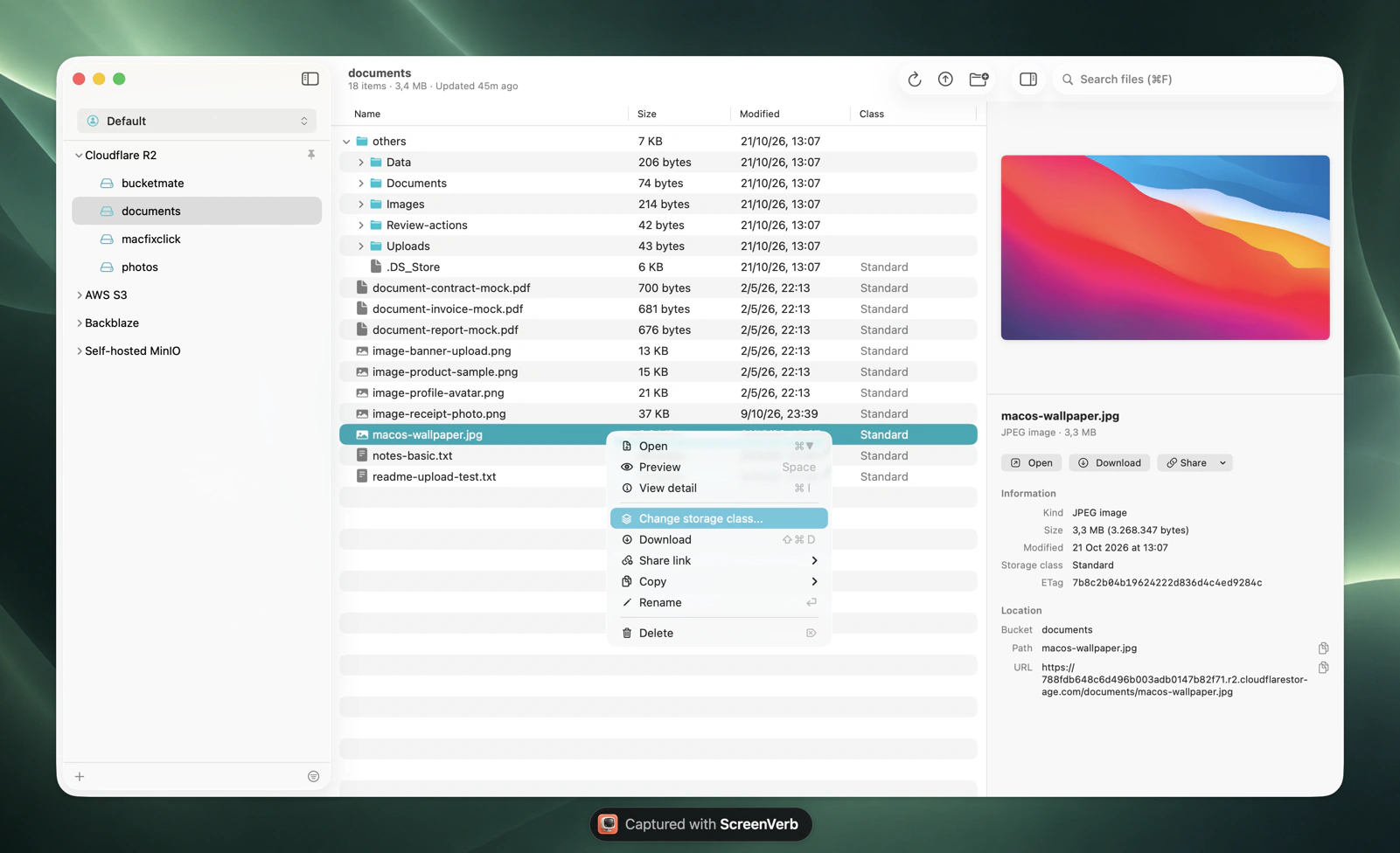
Tigris at a glance.
The numbers that shape your bill.
Standard$0.02/GBper month, same price everywhere
Egress$0to any region or the internet
Free tier5 GBplus free monthly requests
Archive$0.004/GBper month, 90 day minimum
Checked October 2026. Current Tigris pricing
The Tigris console vs BucketMate.
Same files. Less friction.
TaskTigris consoleBucketMate
Other cloudsTigris buckets onlyTigris next to S3, R2, and Hetzner
Fly.io bucketsSign in to the console with Fly.ioPaste the keys from fly storage create once
On the goBrowser onlyNative iPhone and iPad app with Files integration
Share a private filePresigned links made with the CLI or an SDKCopy a presigned link with the expiry you choose
Storage tiersDefault tier set per bucketSee and change the tier of any file
Built like a Mac app.
Not a web console.
Rename anythingS3 has no rename. Here it is one click, files and folders.
Move with drag and dropDrop files onto any folder to move them.
Drop in from FinderUpload whole folders by dragging them into the window.
Edit in placeFix a text file and save it back, or open it in your own editor.
Quick LookPress Space to preview images, PDFs, and code.
Share link historyPresigned links you can find and copy again later.
Connected in under a minute.
Three steps. Keys stay on your device.
1Create keys
Tigris console > Access Keys
2Fill in the connection
Endpointhttps://t3.storage.dev
Regionauto
Access key••••••••••
Secret••••••••••
3Test and connect
Test ConnectionConnected
On iPhone, Tigris has its own option in the Provider picker with the endpoint prefilled.Full setup guide
Made for Tigris.
Not just any S3 endpoint.
Zero egress
Downloads and previews in BucketMate don't add egress charges on Tigris.
Storage tiers
See and change Standard, Infrequent Access, and Archive tiers per file. Minimum durations still apply.
Fly.io friendly
Buckets made with fly storage create work with the same keys Fly sets as app secrets.
Tigris errors, decoded.
What they mean and how to fix them.
AccessDeniedThe access key has no role on the bucket.
In Access Keys, give the key Editor or ReadOnly access to the bucket.
InvalidAccessKeyIdThe key was deleted, or the secret was pasted as the access key.
Access keys start with tid_ and secrets with tsec_.
SignatureDoesNotMatchWrong secret, or a region other than auto.
Set the region to auto and re-copy the secret.
Tigris and every other bucket.
One window.
Tigris S3 compatibility notes
Region is autoTigris places data globally, so the region is always auto.
Long-lived keys onlySTS and temporary credentials aren't supported.
Tier minimumsInfrequent Access has a 30 day minimum and Archive 90 days.