
S3 clients/Supabase Storage
BucketMate

The Supabase Storage GUI client
for Mac, iPhone & Web

See your app's uploads without writing a script.

Best forSupabase apps that store user uploads

Free plan · One-time Pro · Keys stay on your device
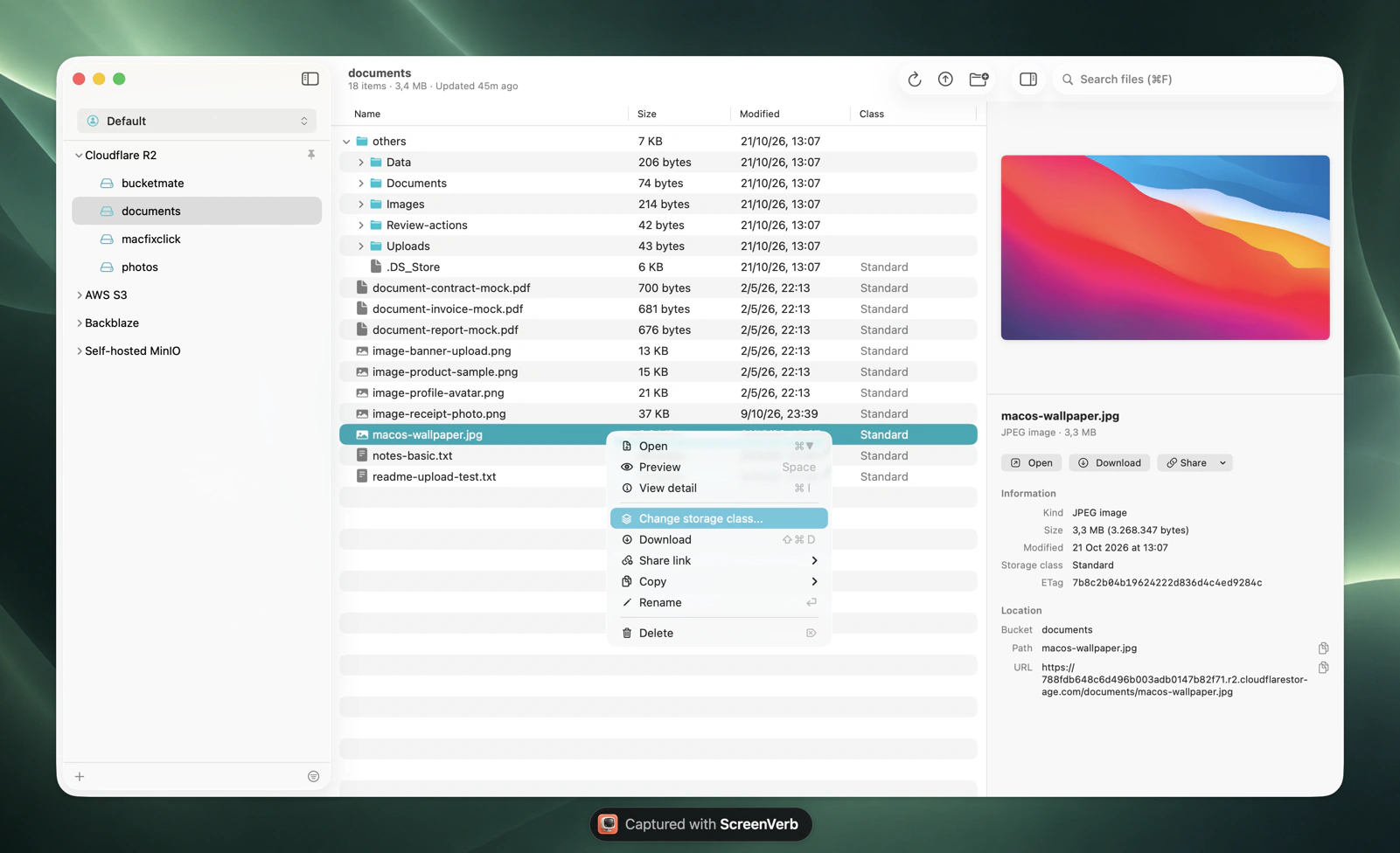
BucketMate S3 client on macOS

Supabase Storage at a glance.
The numbers that shape your bill.

Included100 GBon Pro and Team. Free has 1 GB
Overage$0.0213/GBper month on Pro and Team
Max upload500 GBon Pro. Free is 50 MB
Egress250 GBuncached on Pro, then $0.09/GB

Checked October 2026. Current Supabase Storage pricing

The Supabase Storage console vs BucketMate.
Same files. Less friction.

DownloadSingle files onlyDownload folders or the whole bucket
Move or rename a folderNot supported. Supabase suggests the AWS CLIRename and drag folders
Many projectsSwitch project to switch storageEvery project's buckets in one window

Built like a Mac app.
Not a web console.

Rename anythingS3 has no rename. Here it is one click, files and folders.
Move with drag and dropDrop files onto any folder to move them.
Drop in from FinderUpload whole folders by dragging them into the window.
Edit in placeFix a text file and save it back, or open it in your own editor.
Quick LookPress Space to preview images, PDFs, and code.
Share link historyPresigned links you can find and copy again later.

Connected in under a minute.
Three steps. Keys stay on your device.

1Create keys
Supabase > Storage > Settings > S3 Connection
2Fill in the connection
Endpointhttps://<project-ref>.storage.supabase.co/storage/v1/s3
RegionProject region
Access key••••••••••
Secret••••••••••
3Test and connect
Test ConnectionConnected
On iPhone, Supabase Storage has its own option in the Provider picker.Full setup guide

Made for Supabase Storage.
Not just any S3 endpoint.

S3 keys skip RLS

S3 access keys have full access to every bucket. Keep them on your own machine, where BucketMate stores them.

Public and private

Copy direct URLs for public buckets, and presigned links for private ones.

Every project in one place

Add each Supabase project as a connection and group them in workspaces next to AWS S3 and R2.

Supabase Storage errors, decoded.
What they mean and how to fix them.

new row violates row-level security policy

Your app uploads with RLS and has no SELECT policy next to INSERT.

Add a SELECT policy on storage.objects. BucketMate's S3 keys aren't affected.

EntityTooLarge

The file is bigger than the project's upload limit.

Raise the global limit in Storage settings. Free stops at 50 MB.

SignatureDoesNotMatch

Wrong secret or wrong region.

Copy the region and endpoint from Storage settings.

Supabase Storage and every other bucket.
One window.

Supabase Storage S3 compatibility notes

No versioningSupabase S3 has no versioning, ACLs, or tagging.
No bucket configBucket CORS, lifecycle, and encryption aren't available via S3.
Use the storage hostEndpoints use <project-ref>.storage.supabase.co.

Questions?

Open Supabase Storage like a folder.

Free to start. Pay once if you love it.

Download BucketMate
More providers