
S3 clients/AWS S3
BucketMate

The AWS S3 GUI client
for Mac, iPhone & Web

Your AWS profiles and SSO, in a Finder-like S3 app.

Best forTeams that need IAM, lifecycle tiers, and deep AWS integration

Free plan · One-time Pro · Keys stay on your device
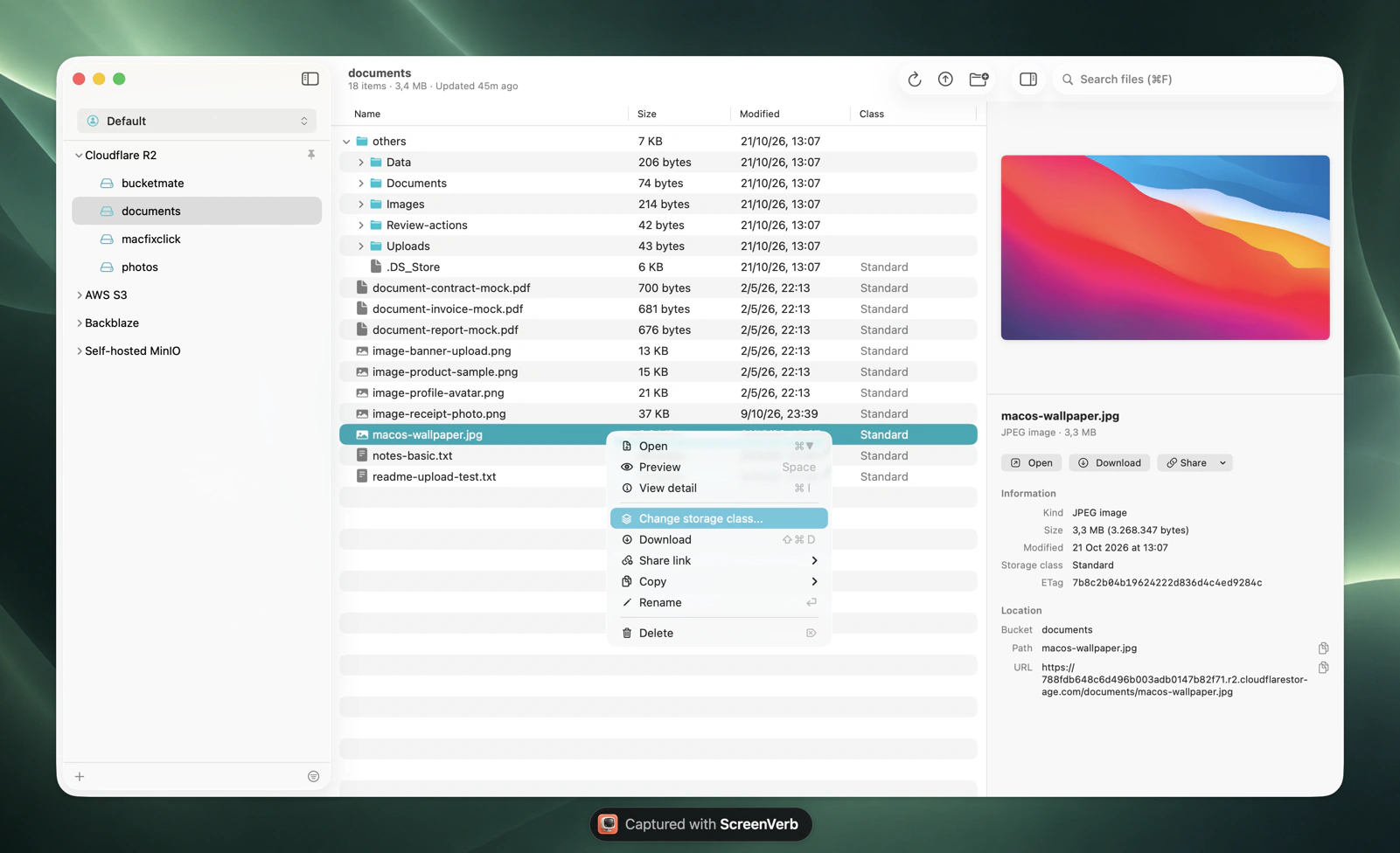
BucketMate S3 client on macOS

AWS S3 at a glance.
The numbers that shape your bill.

S3 Standard$0.023/GBper month, us-east-1, first 50 TB
Data out$0.09/GBafter 100 GB free per month
Requests$0.005per 1,000 PUT or LIST. GET is $0.0004
Regions34commercial regions worldwide

Checked October 2026. Current AWS S3 pricing

The AWS S3 console vs BucketMate.
Same files. Less friction.

Rename a folderNot possible. Folders can't be renamedRename files and folders in place
Download a folderOne object at a timeDownload folders or the whole bucket
Folder sizeCalculate by hand, lost when you leaveShown when you select the folder

Built like a Mac app.
Not a web console.

Rename anythingS3 has no rename. Here it is one click, files and folders.
Move with drag and dropDrop files onto any folder to move them.
Drop in from FinderUpload whole folders by dragging them into the window.
Edit in placeFix a text file and save it back, or open it in your own editor.
Quick LookPress Space to preview images, PDFs, and code.
Share link historyPresigned links you can find and copy again later.

Connected in under a minute.
Three steps. Keys stay on your device.

1Create keys
AWS CLI profile, SSO, or IAM access key
2Fill in the connection
Endpointhttps://s3.<region>.amazonaws.com
Regionus-east-1
Access key••••••••••
Secret••••••••••
3Test and connect
Test ConnectionConnected
On iPhone, use access keys. AWS profiles and SSO are Mac only.Full setup guide In-depth AWS S3 guide

Made for AWS S3.
Not just any S3 endpoint.

Profiles and SSO

Pick any AWS CLI profile, including SSO. BucketMate opens the SSO login for you.

Storage classes

See each file's class, move files between Standard, IA, and Glacier tiers, and restore archived files.

Versioning

Turn versioning on, recover deleted files, and auto-delete old versions with a lifecycle rule.

AWS S3 errors, decoded.
What they mean and how to fix them.

PermanentRedirect

The bucket lives in a different region than the endpoint.

Select the bucket's region, or leave the endpoint empty.

AuthorizationHeaderMalformed

Requests are signed for the wrong region.

Match the connection region to the bucket.

RequestTimeTooSkewed

Your Mac's clock is off by more than 15 minutes.

Turn on Set time automatically in macOS settings.

AccessDenied

IAM policy, bucket policy, Block Public Access, or a KMS key blocks the call.

Check s3:ListBucket, s3:GetObject, and kms:Decrypt for the key.

AWS S3 and every other bucket.
One window.

AWS S3 S3 compatibility notes

Renames are copiesS3 has no rename. A rename is copy plus delete, which adds a version on versioned buckets.
Minimum durationsStandard-IA bills 30 days, Glacier Flexible 90, Deep Archive 180.
No ListAllMyBucketsTurn off Load all buckets and type the bucket name.

Questions?

Open AWS S3 like a folder.

Free to start. Pay once if you love it.

Download BucketMate
More providers